

How Credit Card Recurring Billing Auto-Updaters Work

Picture this: you went out to catch a concert. Somewhere between overpriced margaritas and your expensive seats, you lost your wallet. Here at Frugal Flyer, we can only guess just how many credit cards were in it, but rats, this is going to mean you need to cancel one or more of them.
So fine, you go ahead and do the dog and pony show of calling your bank to get your old cards voided and new ones mailed. Only then do you notice… wait a second, your Netflix and random box of widgets subscriptions are still billing your card even before it’s arrived.
What gives? Well, you’ve just experienced credit card auto-update technology in real time. Let’s dig into what this tech is, why it exists, and when you may want to opt out entirely.
What are Credit Card Recurring Billing Auto-Updaters?
Behind the scenes, all three major credit card networks – Visa, Mastercard, and American Express (Discover does too, but we’re a Canadian blog, darn it) – operate these auto-update services that push your new card credentials to merchants without you lifting a finger.
For most people, this is a convenience and positive feature: your Spotify membership doesn’t skip a beat when your bank sends a replacement card. The issue comes when you’re in the scenario I just created: you left your physical cards somewhere, and someone unscrupulous has access to them.
In the modern era, one of the more annoying forms of scams is one based around recurring payments, which takes advantage of this auto-billing infrastructure in hopes that you don’t double-check your statement or, worse for them, opt out of auto-update services.
Let’s get into this tech. It’s a fascinating update that puts convenience first, which can be helpful if your card is expiring and you don’t want to lose out on your Google Drive subscription.
The Three Major Credit Card Recurring Billing Auto-Updaters
Visa Account Updater
Visa’s version of this service is called Visa Account Updater (VAU). When a Visa credit card is replaced or renewed – whether due to expiry, fraud, or a bank-initiated reissue – VAU automatically pushes the new card number and expiration date to enrolled merchants.
The keyword is “enrolled.” Visa Account Updater operates at the network level, meaning merchants, not cardholders, sign up for the service. Most subscription-based businesses, be they streaming services like Crave or meal delivery kits like Hello Fresh, are enrolled. As a cardholder, you likely have no idea this is happening because you were never asked, and there’s no toggle in your online banking to turn the feature on or off.
For the average consumer, this is fine because your subscription services keep getting paid, and you don’t have to re-enter card details across a dozen services. But if you cancelled that card for a reason, VAU is actively working against your intentions, and sadly, this does mean that some anonymous Ontario corporation charging you $20 a month for no reason will continue doing so until you opt out.
In theory, Visa Account Updater also supports migration from any other product to Visa. What that means is if you product switch your RBC or CIBC Mastercard to a Visa, your recurring bills should transfer over.
Mastercard Automatic Billing Updater
Mastercard’s equivalent service is called Automatic Billing Updater (ABU). The concept is virtually identical: when your Mastercard is replaced, reported lost or stolen, or expires, ABU transmits updated credentials to enrolled merchants so recurring payments continue without interruption.
ABU operates on what Mastercard calls a push-pull model. This means that merchants can either subscribe to receive automatic updates whenever a card on file changes or they can actively request updated information for specific accounts. Either way, the result is the same: your new card details end up in the merchant’s system without you doing a thing.
Because let’s be real: what kind of merchant would voluntarily opt out of recurring revenue? Enjoy your grocery delivery!

ABU also covers account closures, which is the part that catches those with multiple cards off guard. When you close a Mastercard, ABU sends merchants an “Account Closed” code rather than handing over new card details. Unfortunately, some billing systems ignore closure codes and keep attempting charges. I haven’t heard of this actually causing accounts to be reopened, though some issuers will advise you when cancelling products that you have a given number of days to get the product back.
Either way, it’s something to keep in mind when breaking up with a Mastercard.
Theoretically, ABU does not support switching recurring bills at the network level. I have heard anecdotal examples of this working when going from Mastercard to Visa, but make sure to double-check so you’re not left out of any subscriptions you really need.
American Express Cardrefresher
American Express runs a similar program called Cardrefresher. Like Visa Auto Updater and Mastercard Automatic Billing Updater, it pushes updated card credentials to enrolled merchants when a card is replaced, renewed, or upgraded. But Cardrefresher has an important wrinkle that’s worth understanding, especially if you hold or have held multiple Amex products.
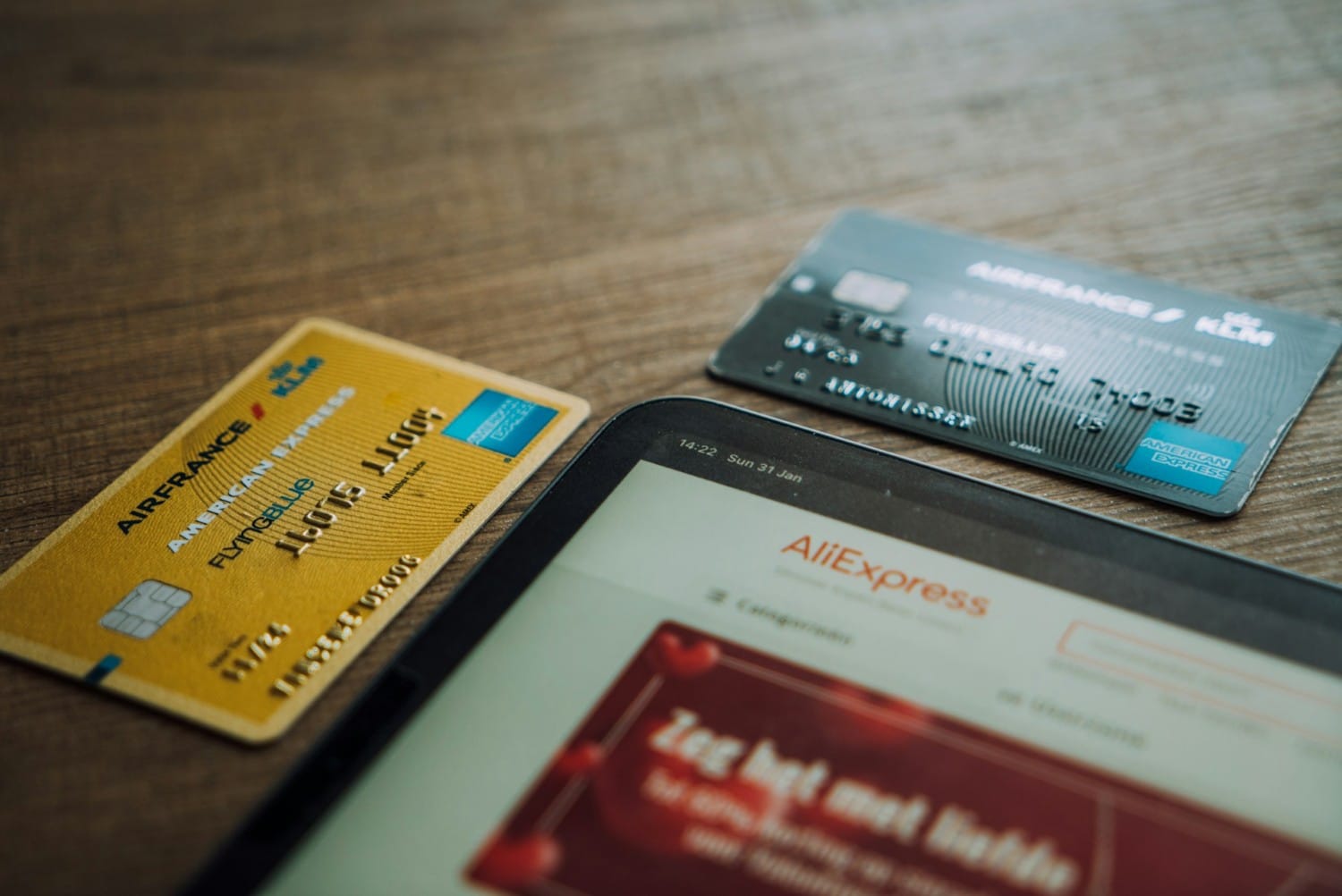
Because American Express operates as both the card network and the issuer, Cardrefresher always works if you’re downgrading or changing products. For example, if you’re in the US credit card game and downgrade an eligible Amex co-branded Marriott Bonvoy card to one of the secret Marriott Bonvoy cards available in the US market, Cardrefresher can push the new card’s credentials to the merchants that had the old card on file.
There have also been reports of difficulty shutting Cardrefresher on active American Express credit lines down, which means sometimes you may have to cancel a card. We’ll get to that in a bit.
Can I & Should I Opt Out of Credit Card Auto Updater Services?
The short answer: yes, you can opt out. The longer answer: it’s not easy, and it’s definitely not self-serve.
There’s no toggle in your online banking, no checkbox on your card application, and no button anywhere online to press. To opt out, you need to call your card issuer and specifically ask to be removed from the auto-update service by name. Use the specific terms: Visa Account Updater, Mastercard Automatic Billing Updater, or American Express Cardrefresher.
Because Visa and Mastercard are the network and not the issuer, most Big 5 bank clerks will have no idea what you’re talking about unless you provide the name of these services directly. You may also need to escalate.
The obvious best practice is to cancel your subscriptions directly with the merchant before closing the credit card. But we all know that’s not always realistic. Lots of subscriptions are deliberately designed to make cancellation difficult, and many companies are counting on your inertia because they want that sweet recurring revenue. Heck, it’s why shops like Peloton are still in business.

In such cases, going through the effort of calling into the call centre, going through the verification menus, and explaining your situation to permanently disable auto-updates is the right play. You could also go nuclear and wipe the line entirely.
This is especially true if you’ve fallen prey to a predatory biller such as the one added to your credit lines in the hypothetical night out at a concert that was illustrated earlier. Such scammers often rely on auto-update services to keep feeding them fresh credentials even after you cancel a card. The only way out is fully opting out of auto-updates or getting rid of the credit line.
Finally, it should be noted that Amex, as in so many things, is just a tad different.
Their reps do tend to know what Cardrefresher is. While these employees do strive to be helpful, this particular service is often cited as one of the worst offenders when it comes to honoring opt-out requests. There are data points online of recurring charges persisting long after a cardholder has tried to shut Cardrefresher down. It’s unfortunate that sometimes the best way to get rid of stubborn merchants on Amex is by ultimately cancelling the card.
Conclusion
Credit card auto-update services are one of those behind-the-scenes conveniences that most people never think about. Oftentimes, they’re a great convenience, especially if there are services you need to retain access to.
On the flipside, they can be a real pain in the rear end when you legitimately need them to stop. For those of us who actively manage our credit card portfolios, knowing these programs exist and understanding how to opt out is just another part of the hobby of miles and points.
Until next time, don’t pay for mysterious food boxes to keep on being delivered to your doorstep.